eeeUbuntu挫折
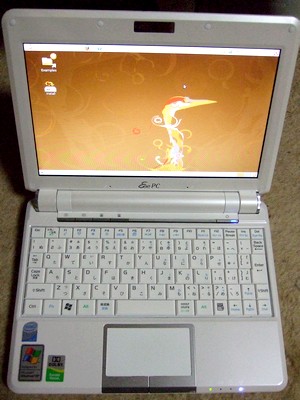
eeeUbuntu
EeePCのCドライブを丸ごとバックアップするのにPartition Imageを使えば楽ちん。と、思いSDカードにeeeUbuntuを入れる事に。
まずはUSBメモリにeeeUbuntuのライブCDを入れてsyslinuxでMBRを書き換えて起動可能に。EeePCのbiosでboot boosterを停止させ、ESCを押してブートメニューを表示させてUSBから機動。ライブCDが立ちあがったらSDカードを入れて、インストールを実行。
ここまでは良かったのだが、SDカードの容量不足であえなく撃沈。2Gでは駄目らしい。大容量のSDHCを買おうかな。。。
